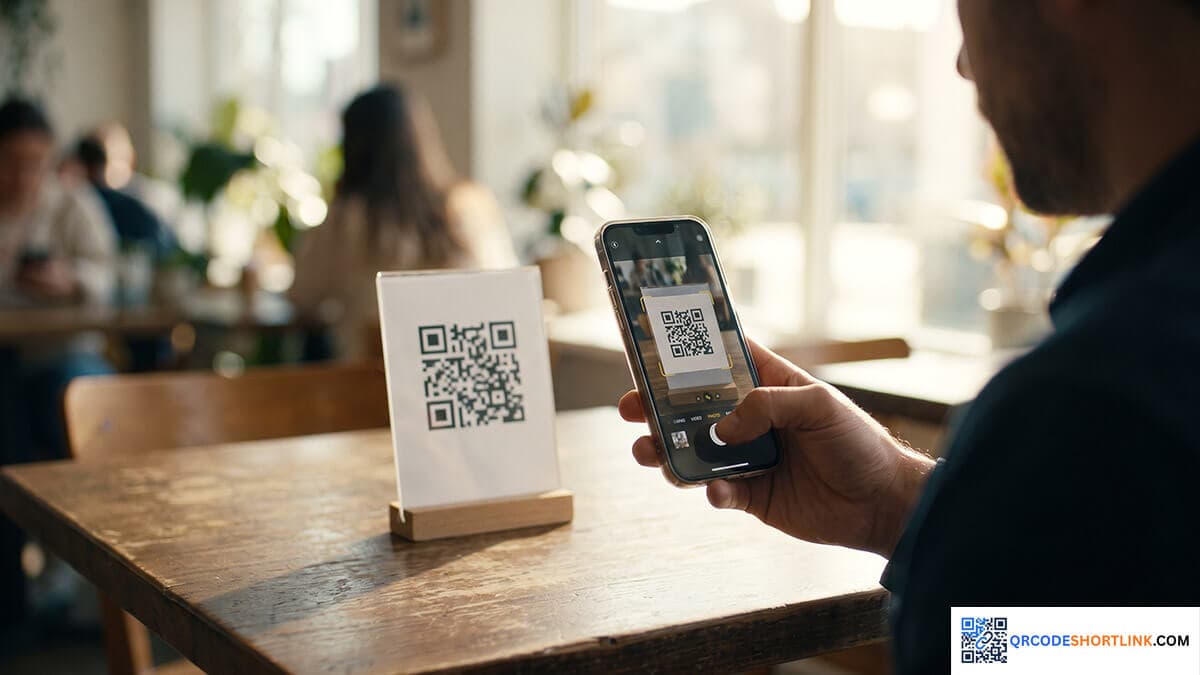
Beginner's Guide: How to Use QR Codes in 3 Minutes
In our smartphone-driven digital era, the QR Code has become a fundamental tool bridging the offline and online worlds. Whether paying for street food, viewing a digital cafe menu, or adding a contact, this guide will walk you through the basics of scanning and generating them.[cite: 22]
What is a QR Code and Where Did It Come From?
QR Code stands for Quick Response Code. It was invented in 1994 by a Japanese corporation named
Denso Wave (Read the History).
Originally designed to track automotive parts during manufacturing, its ability to hold 100 times more data than a standard barcode led to its global widespread adoption today.[cite: 22]
How to Scan a QR Code with Your Smartphone
Many beginners think they need a special third-party app to scan codes. However, almost all modern smartphones have built-in scanning capabilities right in their default camera app.[cite: 22]
For iOS and Modern Android Users
Simply open your default "Camera" app, point it at the square code, and hold it steady for 1-2 seconds. A notification banner will pop up on your screen. Tap it to navigate to the target link. If your camera isn't responding, you can verify your device settings on
Google Support.
How to Generate Your Own Free QR Code
You don't need to be a programmer to create your own codes for websites, digital business cards, or maps.[cite: 22]
Using QRCODESHORTLINK.COM
Our platform allows you to generate codes completely for free. Just copy the long URL you want to share, paste it into our
Homepage QR Code Generator,
and click "Generate". You will instantly receive a high-quality QR code image ready for download and print.[cite: 22]
Why You Should Always Shorten Links First
Here is a professional tip: Converting a massive, long URL directly into a QR code creates an incredibly dense and complex pattern of data modules. This makes it difficult for older phone cameras to scan. Shortening the link first results in a cleaner, less cluttered code that scans at lightning speed. Learn more about this in our
URL Shortener Strategy Article.